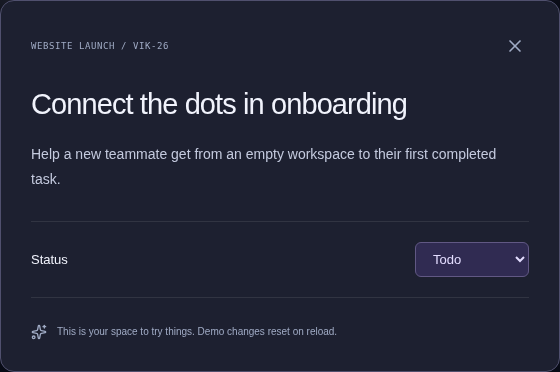
Get it out of your head.
Give every idea a place to land. Turn loose thoughts into clear, actionable tasks.
 vikan.dev
A quieter place for your next big thing.
Bring your tasks, projects, and ideas together.
Make space for the work that matters.
A CLEARER WAY FORWARD
Big plans. Small details. That idea you don’t want to forget. vikan gives it all a home, so you can get back to doing your thing.
Meet your new workspace01 / A HOME FOR YOUR WORK
See the whole picture. Find the next step.
A workspace that feels good to work in.
Let’s put something good into the world.
Ideas. Details. A little momentum.
Watch it all find its place.
Give every idea a place to land. Turn loose thoughts into clear, actionable tasks.
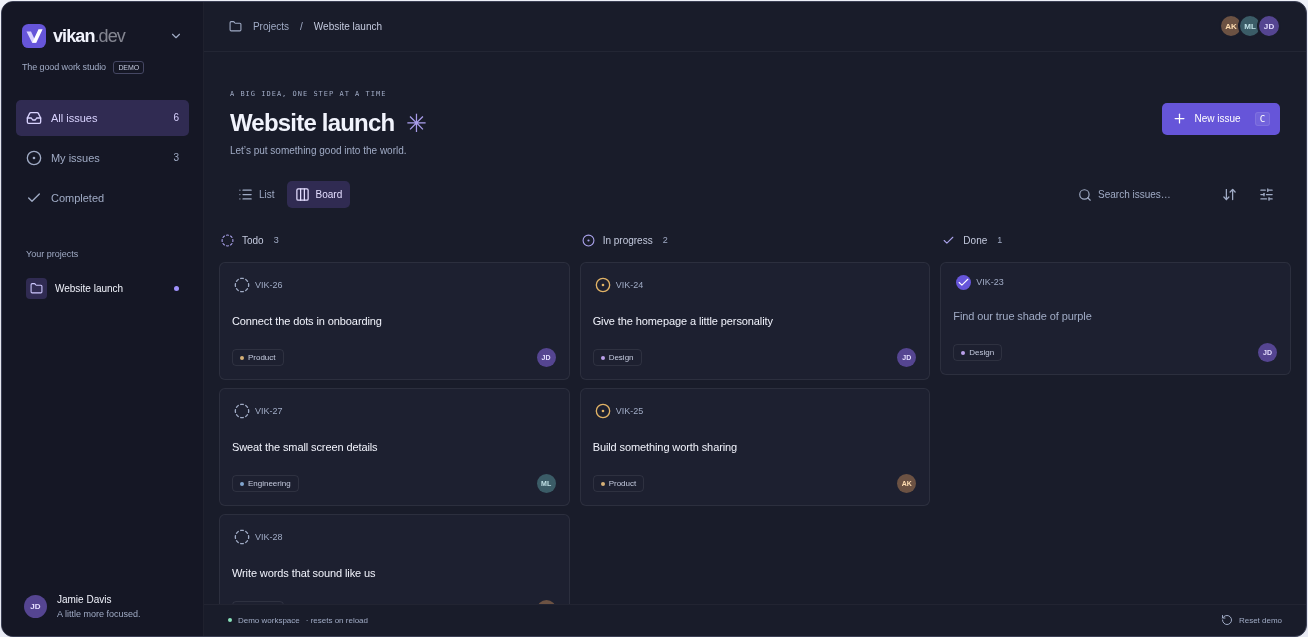
Lists for the details. Boards for the bigger picture. One place, your perspective.
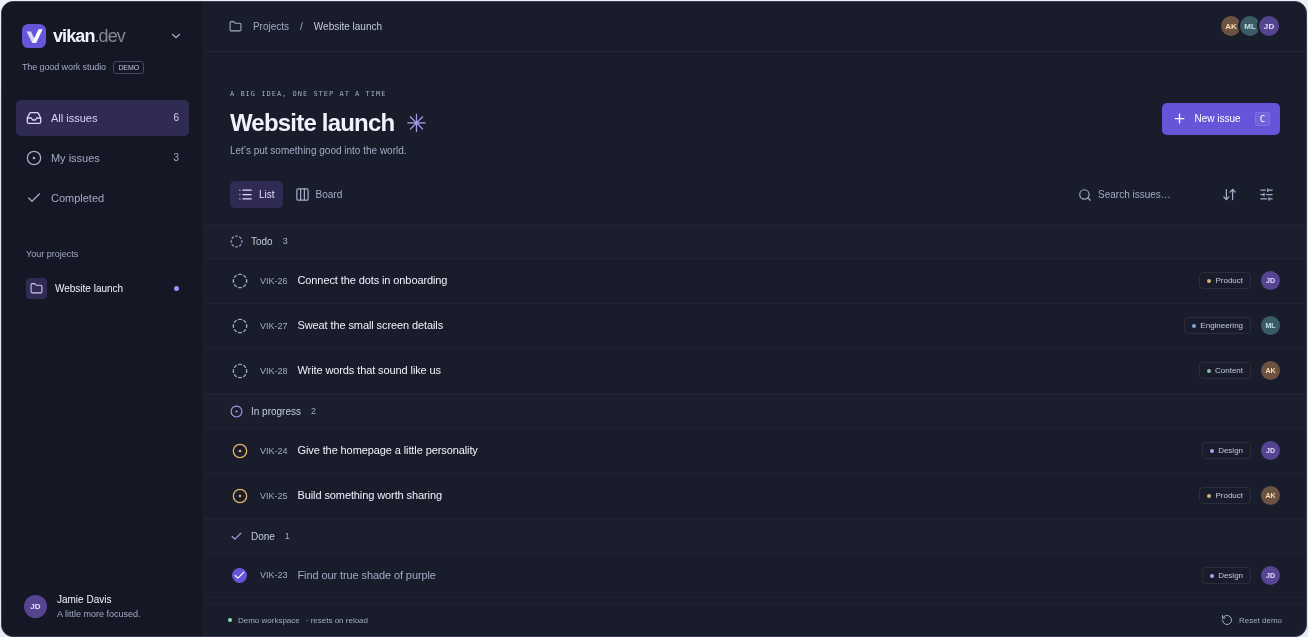
Know what’s moving, what’s next, and what’s done. Enjoy a little more momentum.
02 / LESS FRICTION, MORE FLOW
Thoughtful by design.
Quietly capable by nature.
Your work lives on your device first. Open a task, switch a view, keep your train of thought.
Keep working in a workspace you’ve already opened. Your changes sync when you’re connected again.
Quick search and keyboard commands keep the next step close. Get there without breaking your flow.
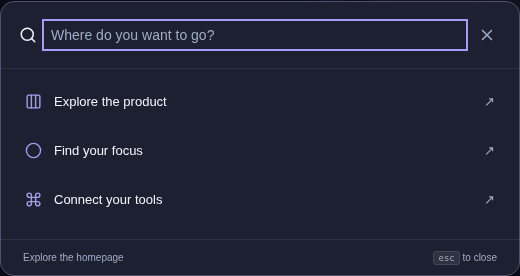
Find it. Open it. Keep going.
03 / BETTER, TOGETHER
Bring your AI tools into the loop. With MCP, your connected assistant can find tasks, read the context, and help move work forward.
Your tools. Your say.What should I focus on next?
You have 3 open issues assigned to you in Website launch. Here’s a good place to start:
A LITTLE MORE CLARITY
vikan is a local-first workspace for tasks and projects. It brings issues, lists, boards, and your team’s context together, with a focus on keeping everyday work clear and responsive.
Yes. After you sign in and open a workspace online, vikan keeps a local copy on your device. You can keep making changes offline and sync when the connection returns. Open the descriptions you’ll need beforehand so they’re available locally, too.
The interactive demo on this page is a small, self-contained playground. You can add issues, change their status, search, and switch views. It doesn’t need an account or send your changes to a server, and it resets when you reload the page.
vikan supports MCP, which lets compatible AI clients work with your synced workspace data. You choose the workspace and whether the connection can only read or also make changes. Manage and revoke access from your workspace’s MCP and profile settings.